
Docs → Getting started
Using FitDive
What each screen does, in the order you'll actually meet them.
Import
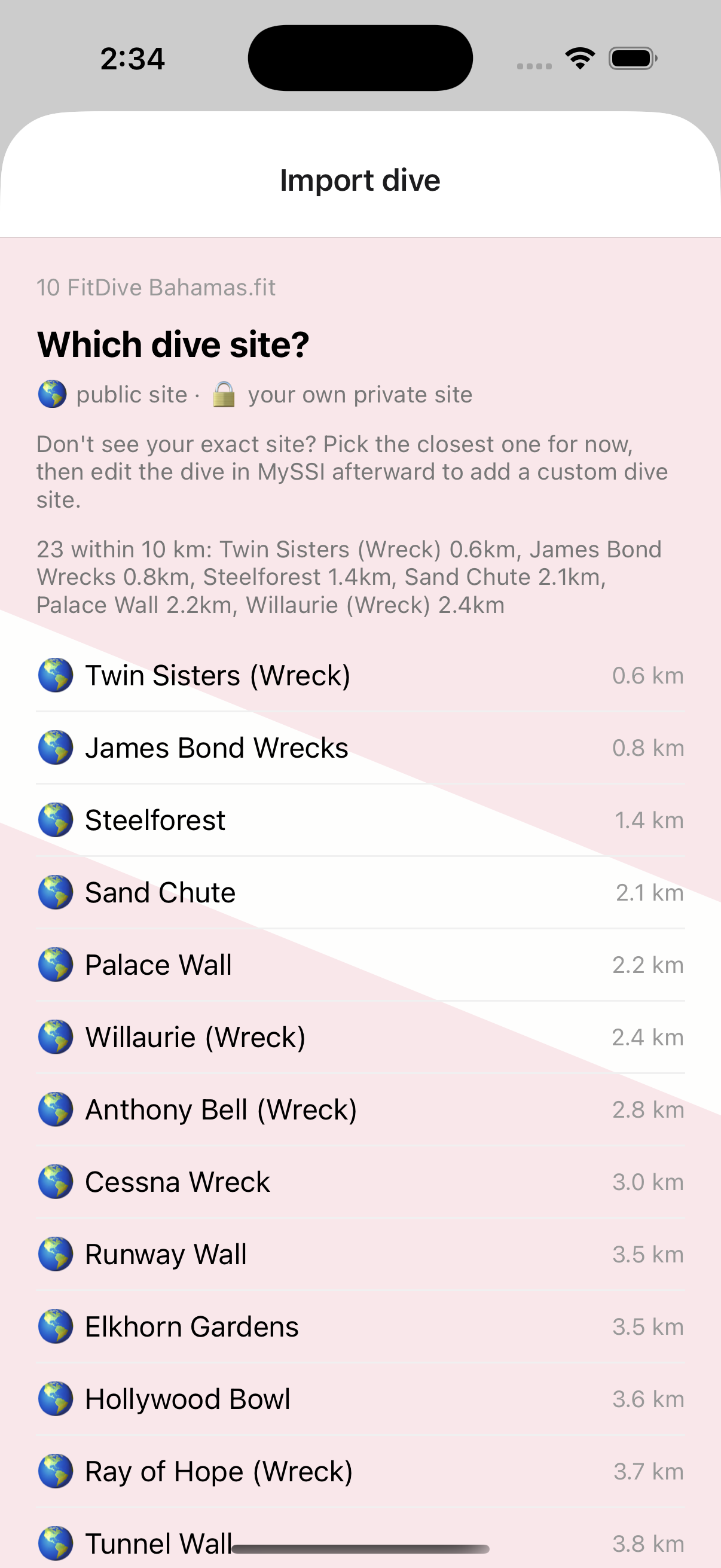
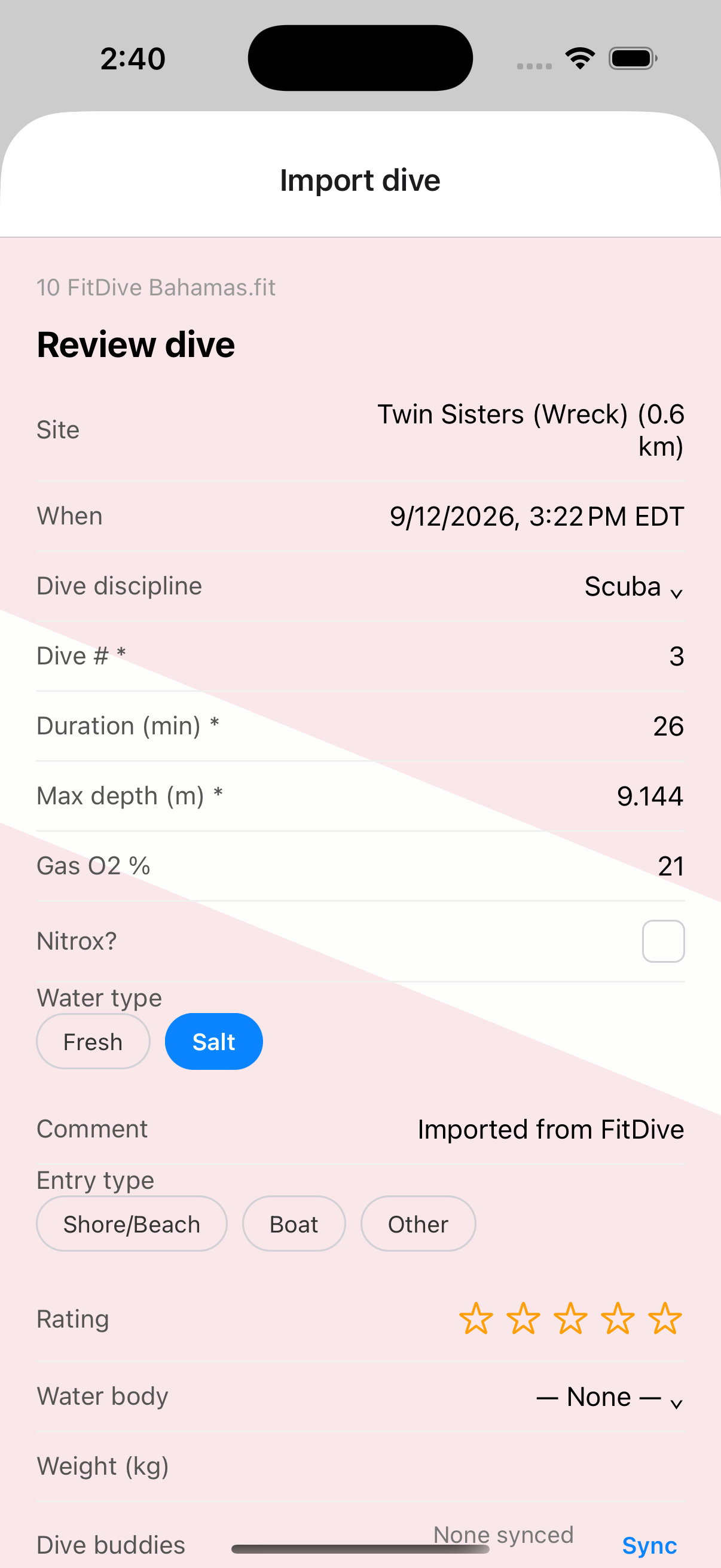
FitDive's home screen. Share a .fit file into it from the Garmin Dive app, or tap Import a .fit file to pick one directly. FitDive decodes it, works out the dive site, and checks your logbook for the right dive number - asking you first if anything's ambiguous. The Review screen shows everything before it submits, with an optional Add Details section for buddies, gear, and conditions.
Finding the site works from the Garmin file's own GPS fix when it has one - usually only recorded on the surface, before you descend or after you surface - or your phone's current location as a fallback. FitDive searches MySSI's own dive-site database within a radius around that point, and if more than one site turns up nearby, shows you the list and asks rather than guessing.
My SSI Logbook
Logs and Logbooks → My SSI Logbook. A real, read-only view of your actual MySSI logbook - dive #, date, site, depth, duration - with a depth profile graph for any dive FitDive has data for. Tap Sync to pull the current logbook from MySSI; see how dive matching works for why syncing here first makes duplicate-checking more reliable.
Garmin Dive Log & Import Garmin History
Garmin Dive Log lists every Garmin dive FitDive has seen, with its match status against MySSI. Import Garmin History takes a full Garmin Connect data export and scans it in one pass against your MySSI logbook, so years of dives you never touched with FitDive show up as either already logged or still missing - see importing your whole Garmin history for the full walkthrough.
Private Sites
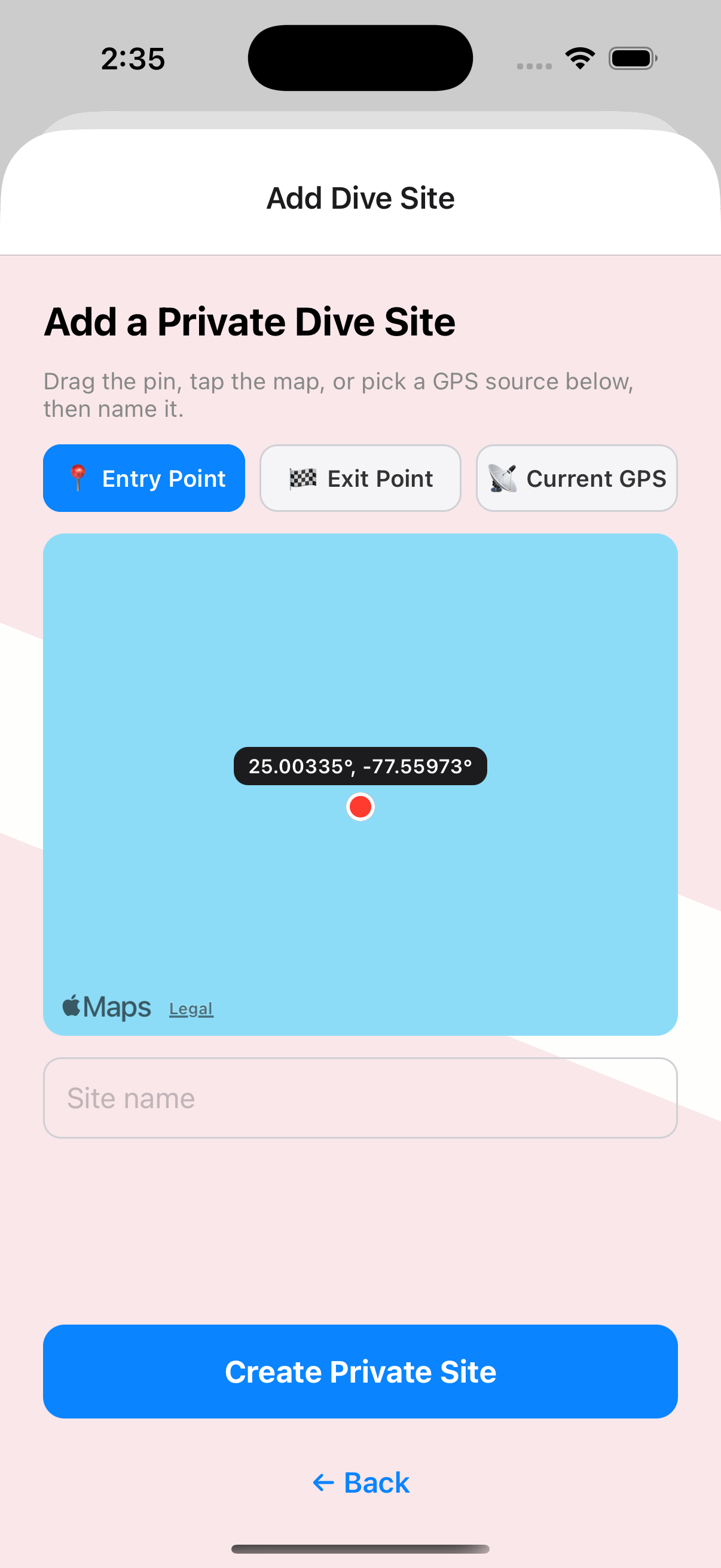
Logs and Logbooks → Private Sites. Every private dive site you've created through FitDive, with a running count of dives logged at each one (once MySSI reports at least one - MySSI itself has no "list my private sites" endpoint, so this count only appears after a dive's actually been logged there). Sync pulls in any FitDive already knows how to find; Restore from iCloud recovers ones created on another device.
MySSI's own site search only ever returns public listings - it can't find a private site you've already created, even one of your own - so FitDive remembers every one you create locally instead, making it reusable the next time you dive there without searching for it first.
Change Log
Logs and Logbooks → SSI Change Logs. A full on-device record of every import and delete FitDive has made for you - exactly what was submitted or removed, for when you need to check what happened on a specific dive. Unlike the anonymized run log (Settings → Report a Bug), this one keeps real details like location and buddy names, since that's what makes it useful for debugging a specific dive.
Settings
MySSI login, units, fallback dive site, buddy sync, and debug/support options - see the setup guide for what to configure and what each field does.
Support
Report a bug (optionally attaching the anonymized run log or a specific Change Log entry) and check FitDive's current status if something seems broken. See Support & Status.